
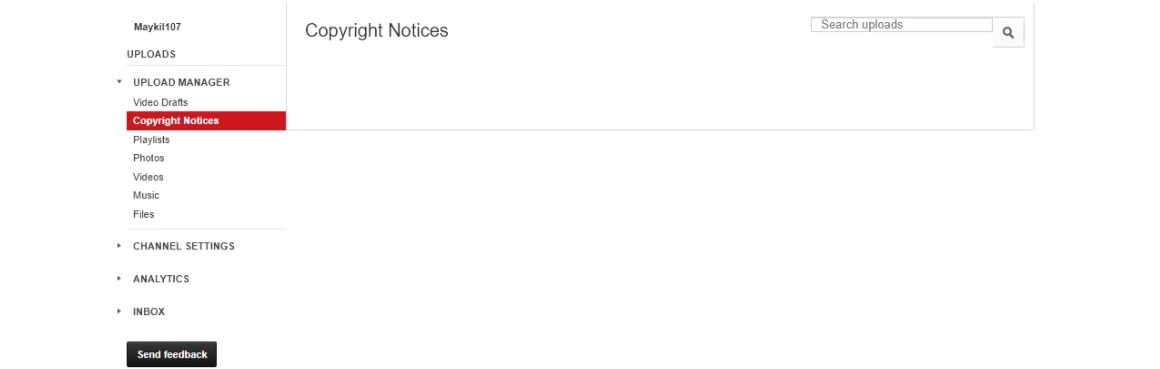
To determine whether an issue with your file is copyright-related, visit the Copyright Notices section of your account. If any files appear there, they are affected by either copyright strikes or Content ID claims.
How to diagnose copyright-related issues with your file
Copyright Strikes
Files that have been removed due to alleged copyright infringement will appear at the top of the Copyright Notices section of your account.
Copyright removal quick facts
- Files removed for copyright will be labeled “Removed (copyright strike)” within the Copyright Notices section of your account.
- If your file was removed for alleged copyright infringement, your account will have a copyright strike. If you receive three strikes, your account will be suspended.
- Deleting the file(s) in question will not remove the strike(s) from your account.
- There are several ways to resolve a copyright strike.
Content ID Claims
Files that have been matched by Content ID may be monetized, blocked or tracked. To learn the details of any match policies that have been applied to your files, navigate to the Copyright Notices section of your account and click on the informational links highlighted in the screenshot below.
Content ID claim quick facts
- If your file is blocked everywhere, this claim is penalizing your account and you may have lost access to certain site features.
- The content owner may change the policy being applied to your file at any time.
- If you have the rights to use all of the content in your file, you may dispute the claim by clicking the informational link on the page pictured in the screenshot above, then the “I believe this copyright claim is not valid” link on the subsequent page.
If you've already disputed a Content ID match and believe that the content owner erroneously upheld the claim, you may be able to appeal the decision.